

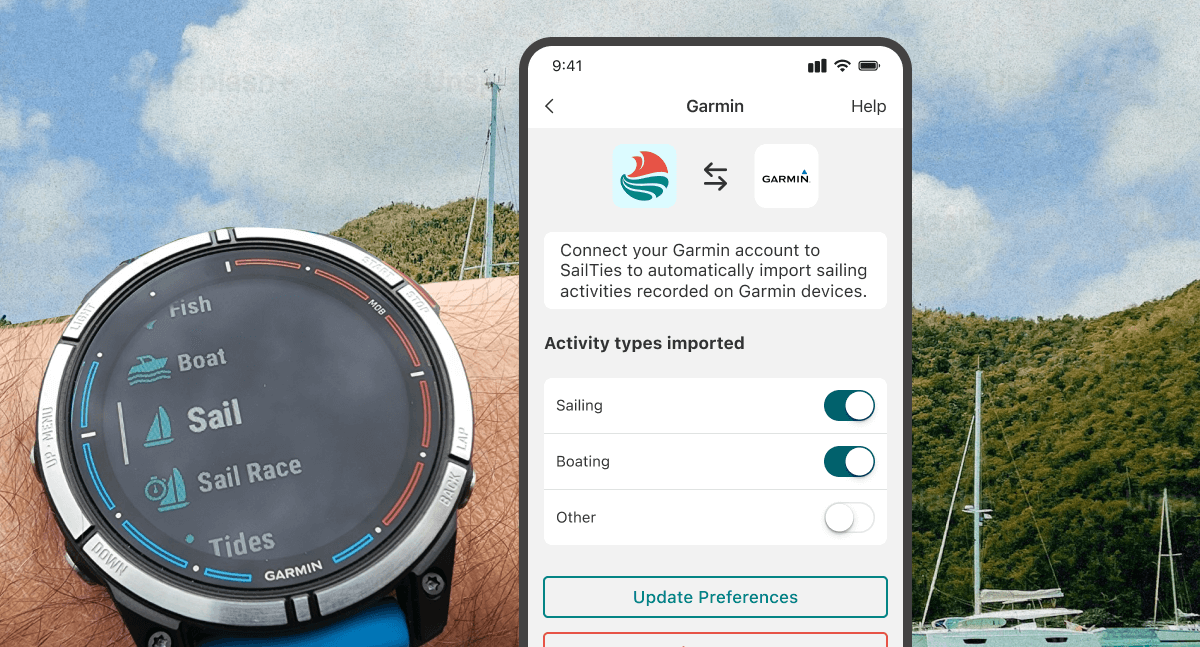
Connect your Garmin device and your tracks will automatically be imported to SailTies as voyages. Perfect for when you do not want to get your phone wet!
How Garmin activities appear on SailTies
Garmin activities are converted into full SailTies voyages with a route map. You can add photos, videos, logs, vessel details and invite your crew to collaborate.
They show up on your sailor resume and count towards your GPS Recorded miles.
Garmin activities are imported automatically as soon as you sync your Garmin device to WiFi or the Garmin Connect app. You can find them on the My Sailing screen as draft voyages.
Connecting Garmin to SailTies
- On the 'My Sailing' screen, tap the settings icon and choose 'Devices and Partners'
- Select Garmin from the list of options
- Tap 'Connect'
- When prompted, login to your Garmin Connect account
- Tap 'Save' on the Garmin preferences screen, making sure 'Activities' are enabled.
- Tap 'Agree' on the permission screen
Your accounts are now connected and any future Garmin activities will automatically be imported to SailTies.
Choosing the imported Garmin activity types
SailTies can import these three Garmin activity types:
- Sailing: Supported by some Garmin devices
- Boating: Supported by some Garmin devices
- Other: Supported by all Garmin devices (turn on this setting if your Garmin device does not support the Sailing or Boating activity types)
To adjust your preferences, toggle the switches next to the activity types and then tap the 'Update Preferences' button.
Disconnecting Garmin and SailTies
To disconnect, simply open the Garmin screen from the Devices and Partners list and tap the 'Disconnect' button.
Your previously imported Garmin activities will not be removed, but no future activities will be imported.